 ForgeLabs Studios

Channel Flow
Watch your own IPTV playlists. Sign in with your provider's Xtream Codes details or add an M3U link or file, then browse live TV, movies and series in a clean, familiar layout.
Android phone & tablet: coming to Google PlayAndroid TV & Fire TV: coming to Google PlayLinux desktop: coming to Flathub
Features
Your playlists
Xtream Codes and M3U (link or file). Several playlists, switch any time.
Live, movies, series
Posters, language and category chips, search across everything.
Manage categories
Hide everything, then tick only what you watch. Thousands of categories stay fast.
Pick up where you left off
Continue Watching, Watch Later, history and automatic next episode.
Big-screen playback
Theater and full screen, lights off, audio and subtitle tracks, hardware decoding.
Private by design
No account, no ads, no tracking. Your logins stay on your device. Privacy policy
Screenshots (Linux desktop)
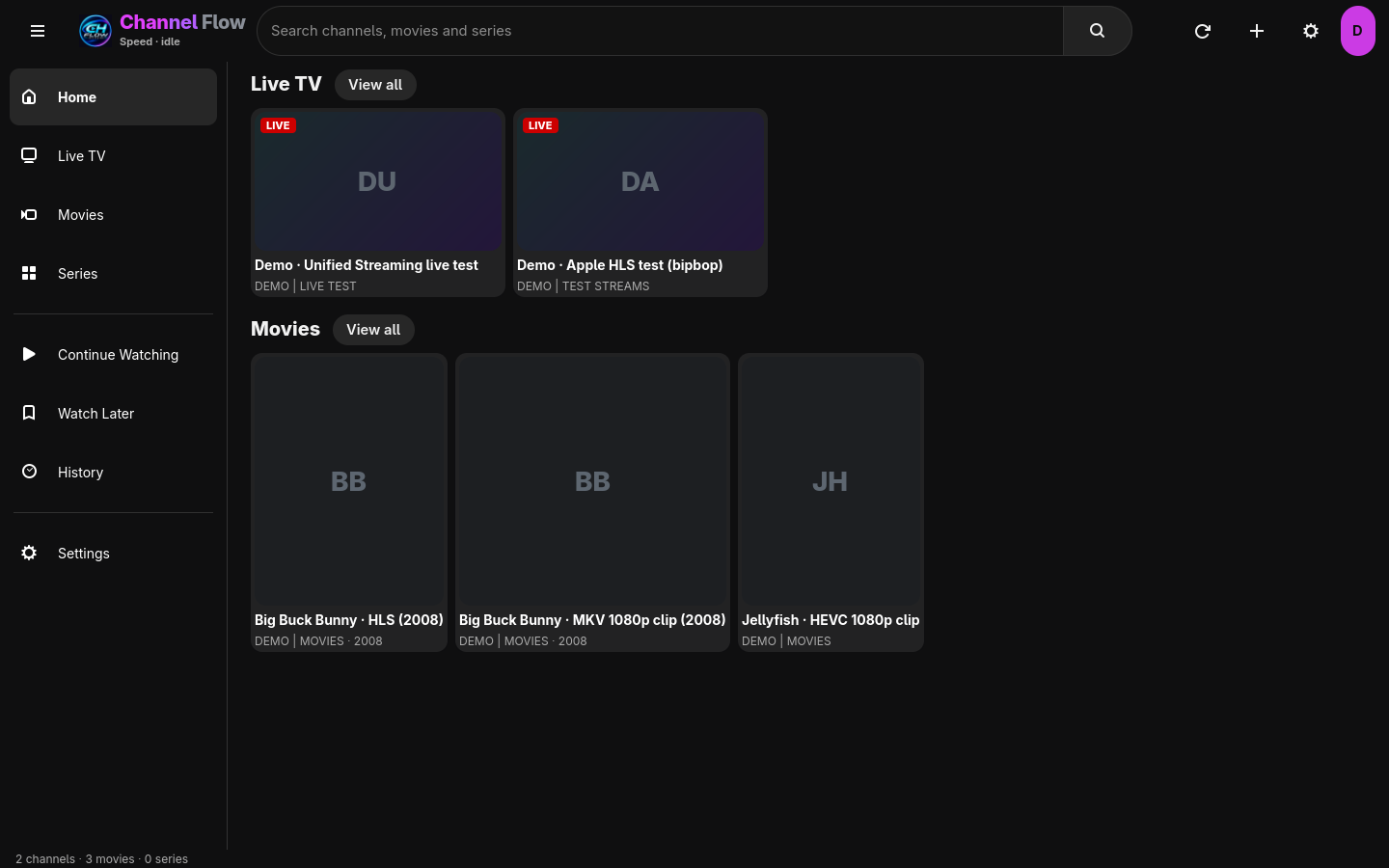
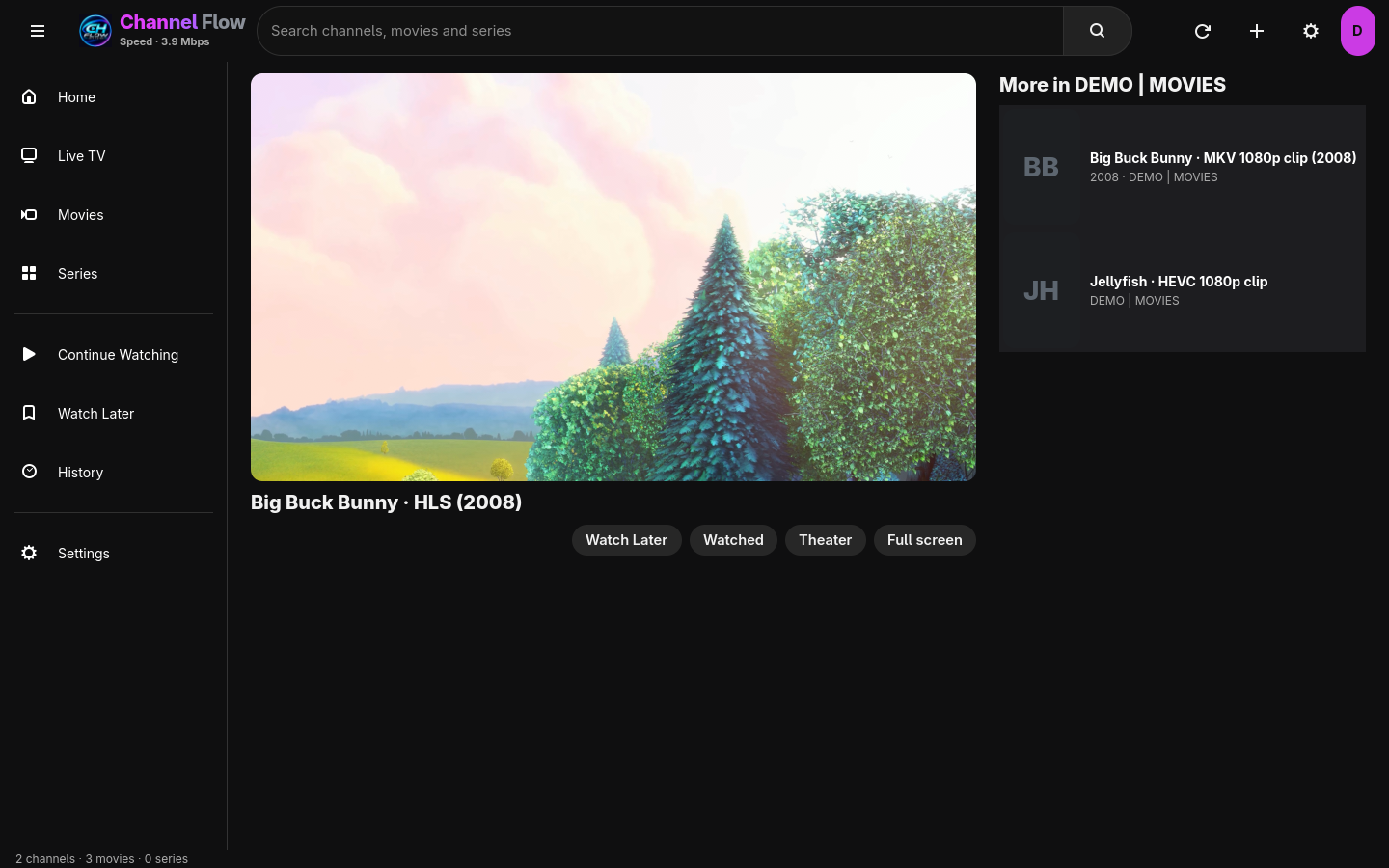
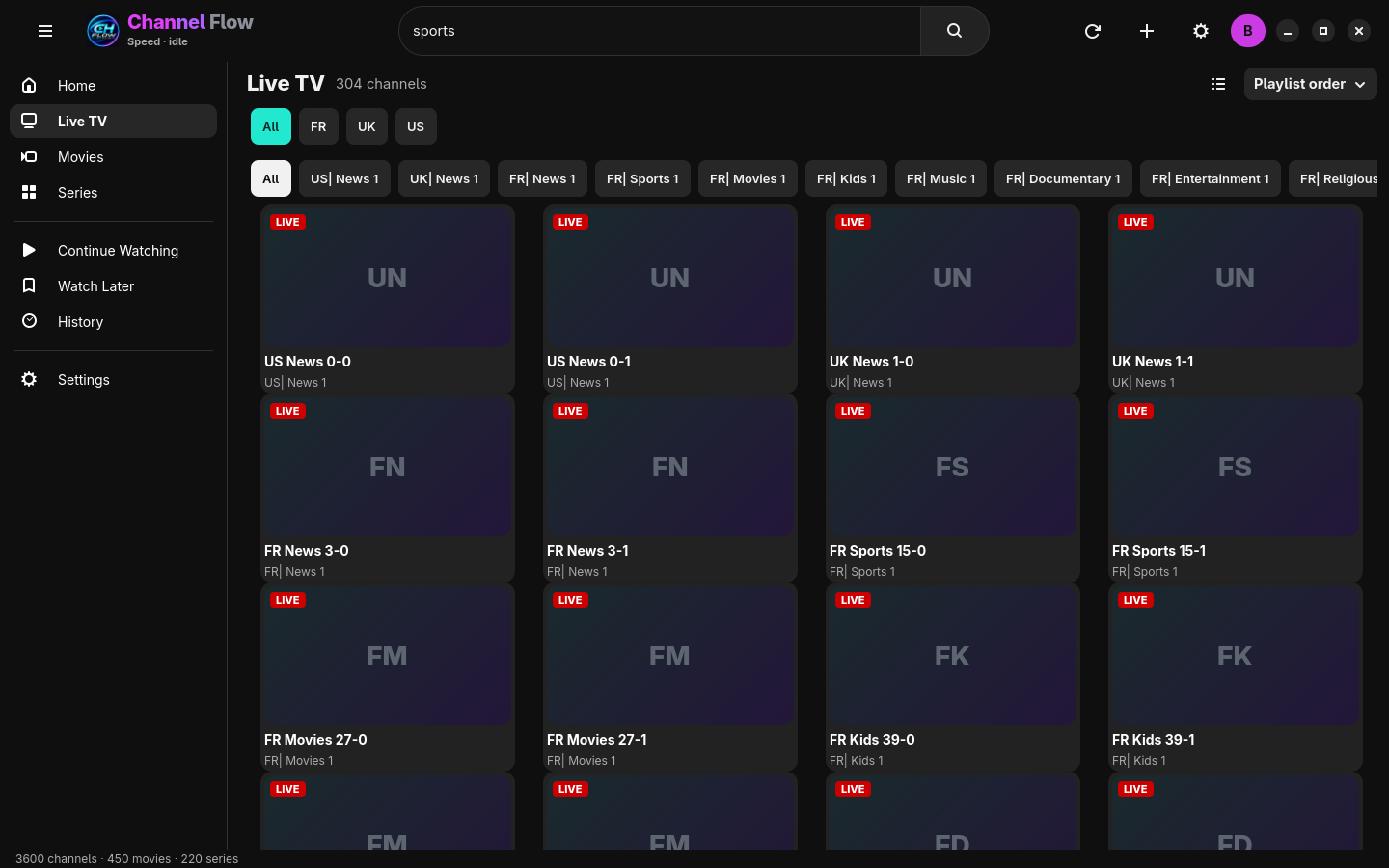
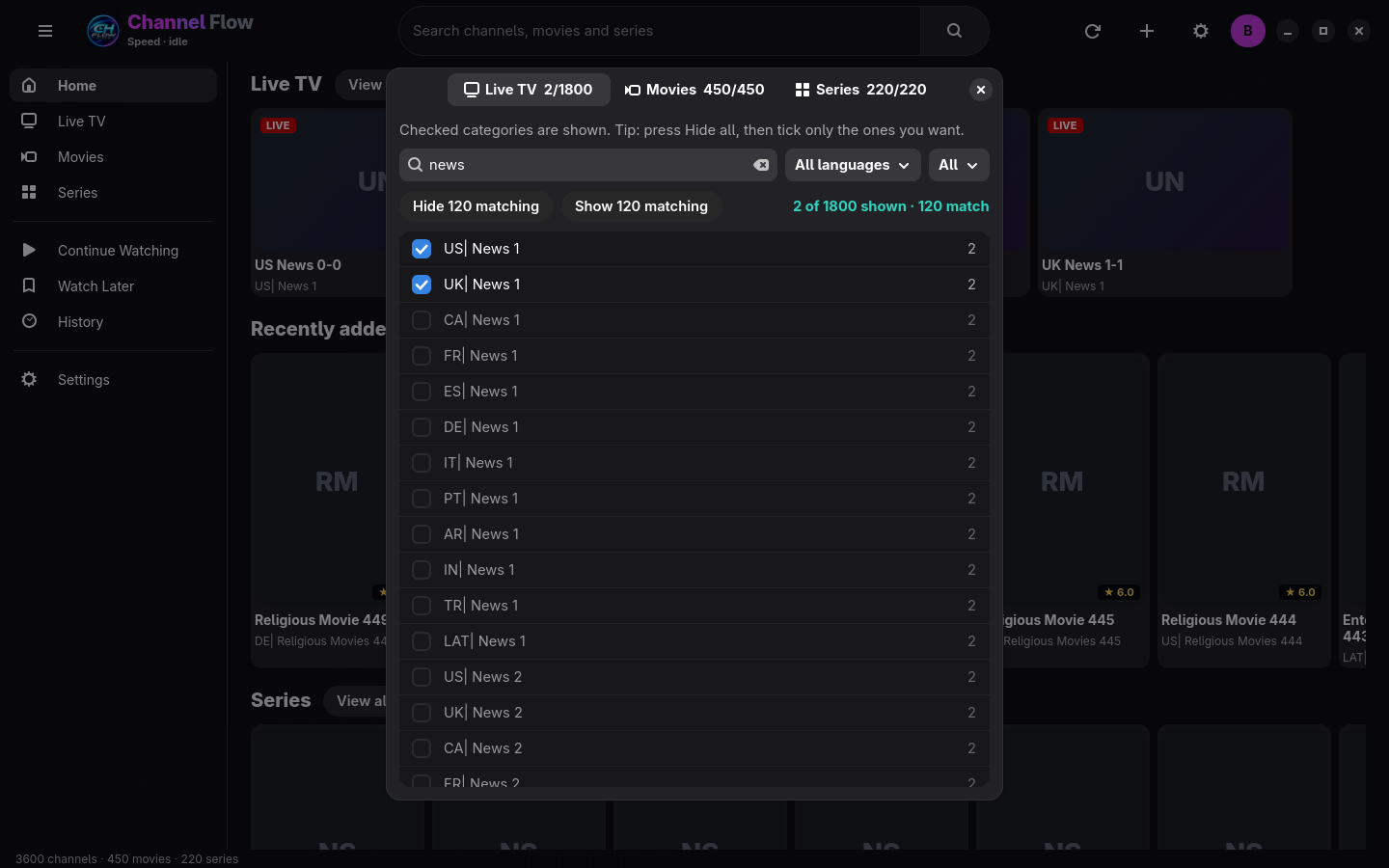
Screenshots show free public test streams and sample data.
Help
Getting started
Open Channel Flow, choose Add playlist, then enter your provider's Xtream Codes server, username and password, or paste an M3U link or pick an M3U file.
Too many channels?
Settings → Manage categories → Hide all, then tick the categories you want. Use the language filter to show or hide a whole language at once.
Something not playing?
Most playback problems come from the provider or the stream itself. Check the stream works in another player, then contact support.